 You’ve spent three hours cutting intricate shapes for your latest project. Your hand aches. The edges aren’t perfectly straight. Half your material is wasted from mistakes.
There’s a better way.
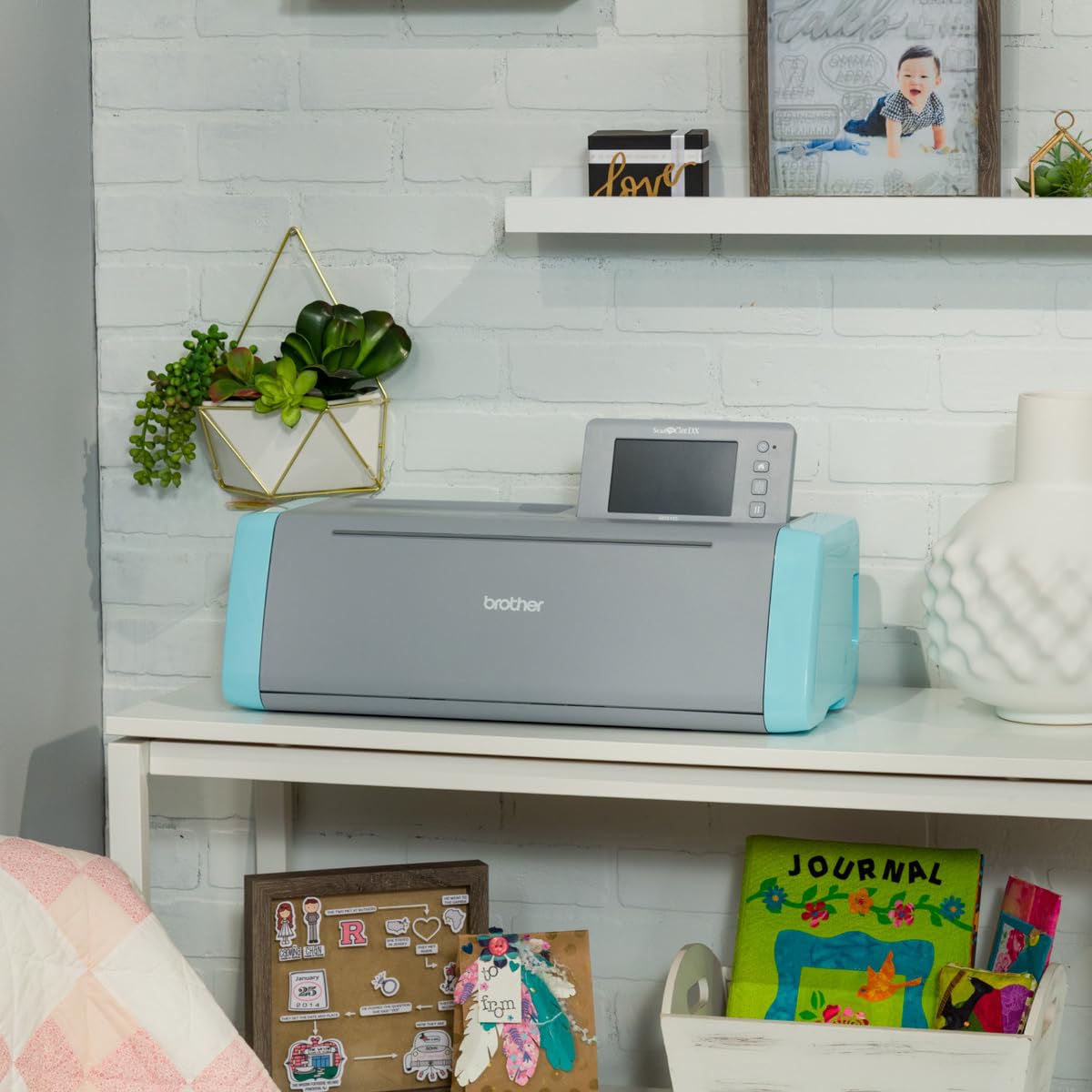
The Brother ScanNCut DX series transforms hours of manual cutting into minutes of automated precision. But before you buy one, you need to understand both the remarkable time savings and the hidden costs that can erode your investment.
The Built-In Scanner Advantage: Why Brother Beats Cricut
Brother ScanNCut DX machines hold one significant edge over competitors like Cricut: a built-in scanner.
While Cricut requires you to connect external devices, upload designs, and fight with software dependencies, Brother’s integrated scanner lets you place a hand-drawn design directly on the cutting mat, scan it at up to 600 DPI, and cut it within minutes.
This standalone capability means:
- No computer required for basic projects
- No internet connection needed (offline functionality)
- No frustrating software crashes mid-project
- Direct scan-to-cut workflow for custom designs
You can scan children’s drawings, hand-sketched patterns, printed stickers, or fabric designs and immediately convert them into cutting files. The 5-inch LCD touchscreen lets you edit, resize, rotate, and weld designs directly on the machine.
Auto Blade Technology: The Time-Saving Game Changer
The ScanNCut DX series uses Auto Blade Sensor Technology that automatically detects material thickness from 0.1mm to 3mm.
No more:
- Manual blade depth adjustments
- Test cuts to find the right setting
- Material selection guesswork
- Wasted materials from incorrect depth
The machine handles paper, vinyl, fabric, foam, felt, balsa wood, and chipboard up to 3mm thick. Place your material on the mat, press start, and the blade adjusts itself.
This automation is what transforms a 2-hour manual cutting session into 15 minutes of machine time.
Brother ScanNCut DX Models: Which One Fits Your Needs?
SDX125E: Best Value for General Crafters
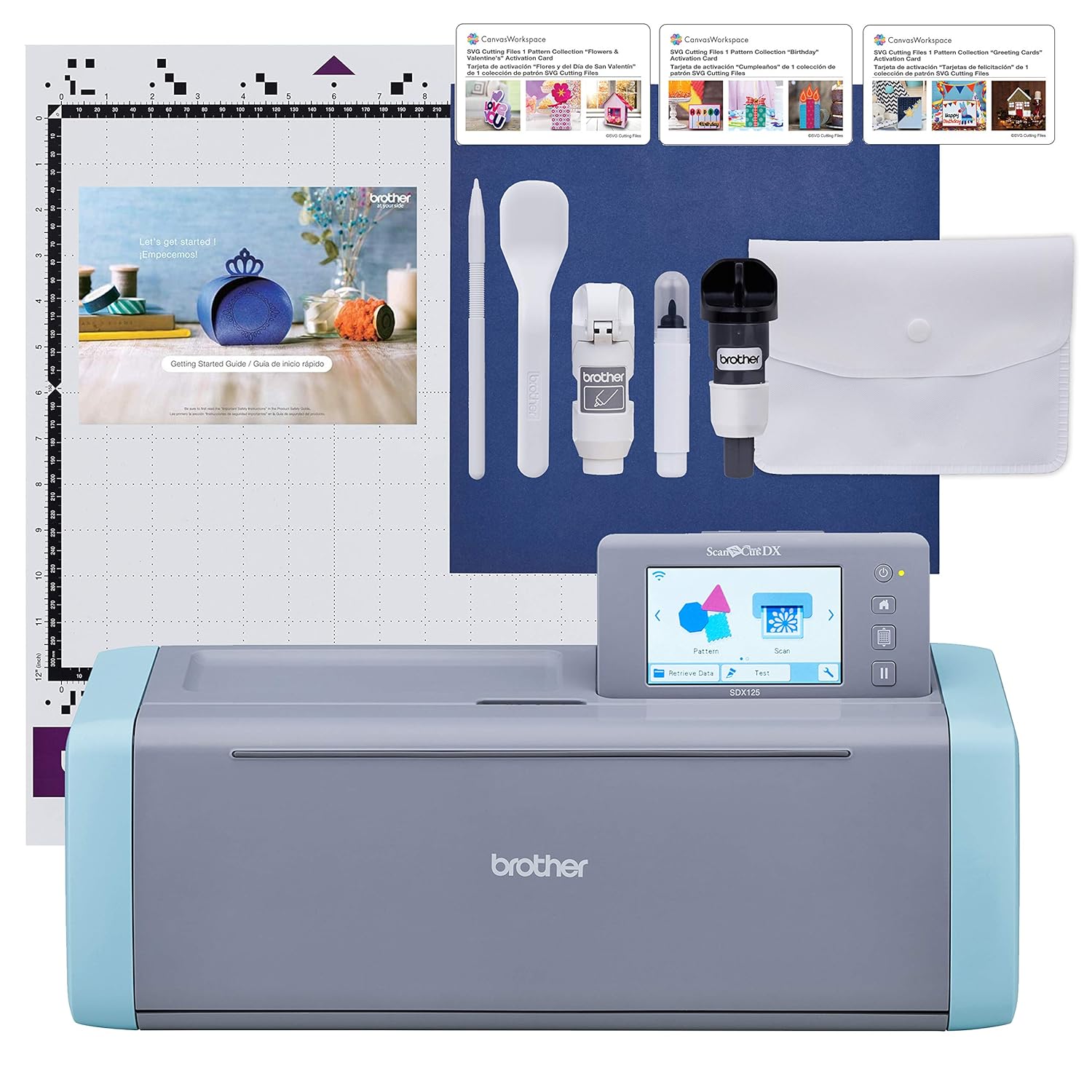
Brother ScanNCut SDX125E [click to view…]
Current Price: Available on Amazon USA (prices vary by bundle)
What You Get:
- 5-inch LCD touchscreen
- 682 built-in designs (including 100 quilt patterns)
- 9 letter fonts
- Wireless network connectivity
- Built-in 600 DPI scanner
- Auto Blade with 3mm cutting capacity
Best For: Paper crafters, vinyl enthusiasts, and general hobbyists who want maximum features at the lowest price point.
The SDX125E delivers everything most crafters need. The 5-inch screen provides comfortable editing space. The wireless capability lets you send designs from CanvasWorkspace software on your PC, tablet, or phone. At its price point, this model offers the best value in the lineup.
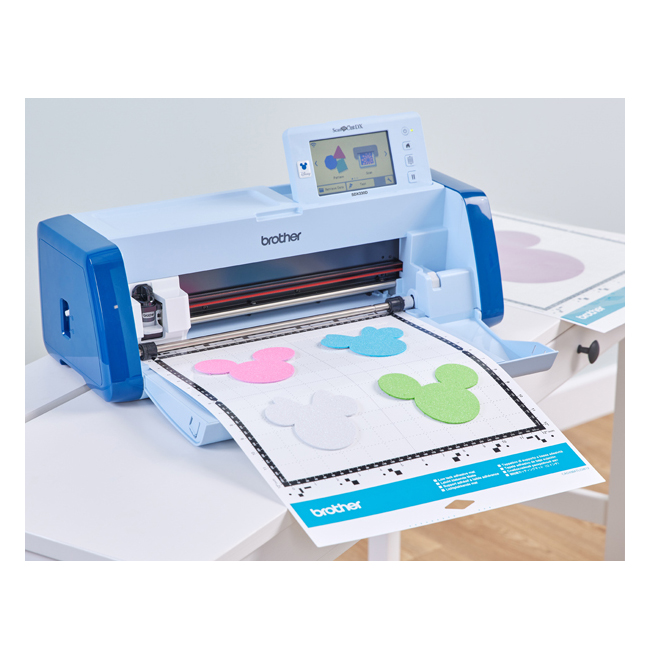
SDX230Di: Disney Edition for Fabric Enthusiasts
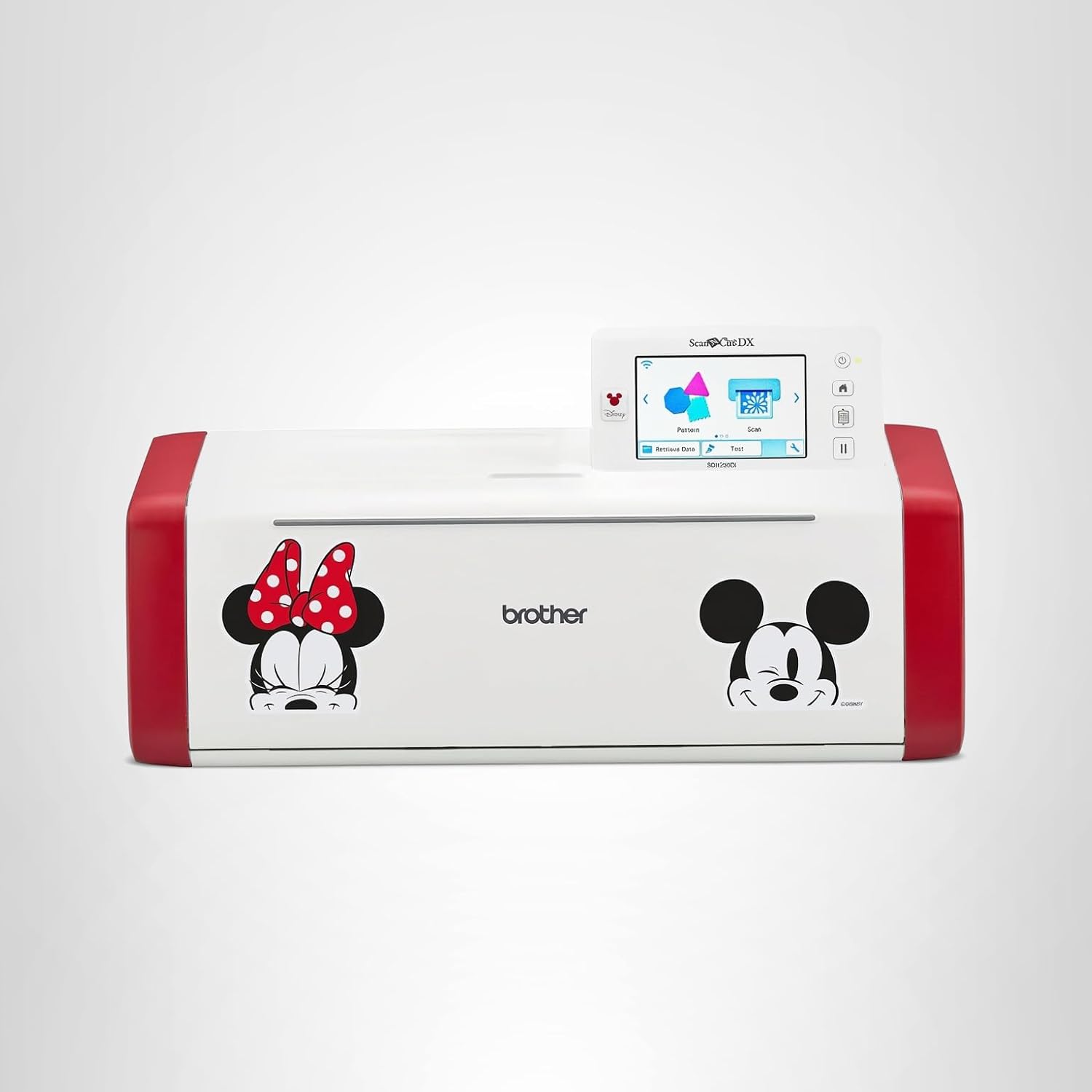
Brother ScanNCut DX SDX230Di [click to view…]
Current Price: Available on Amazon USA (check current pricing)
What You Get:
- Everything in the SDX125E, plus:
- 1,435+ total built-in designs
- 152 Disney-licensed designs
- PES/PHC/PHX embroidery file compatibility
- Often bundled with Rotary Auto Blade Kit
- Mickey and Minnie Mouse cosmetic design
Best For: Quilters, sewists, appliqué artists, and Disney fans who need fabric cutting capabilities.
The SDX230Di’s ability to read embroidery files directly makes it valuable for textile artists. You can cut appliqué pieces that match your embroidery designs without file conversion. The Rotary Auto Blade (often included in bundles) provides cleaner cuts on delicate fabrics like lace and semi-sheer materials compared to the standard drag blade.
SDX330D: Professional-Grade Innov-ís Edition
 Brother ScanNCut SDX330D
Current Price: MSRP around $1,199 (limited Amazon availability)
What You Get:
- 1,485+ built-in designs (182 Disney designs)
- 900 DPI scanning resolution (scan to USB)
- Direct PES/PHC/PHX embroidery file reading
- Professional textile integration
- Enhanced fabric cutting capabilities
Best For: Professional makers, advanced sewists, and users deeply integrated into the Brother sewing/embroidery ecosystem.
This top-tier model provides the highest design content and scanning resolution. The enhanced embroidery integration streamlines mixed-media textile projects, but the high price point limits its appeal to serious professionals.
Material Compatibility: Matching Blades to Projects
Standard Auto Blade (CADXBLD1)
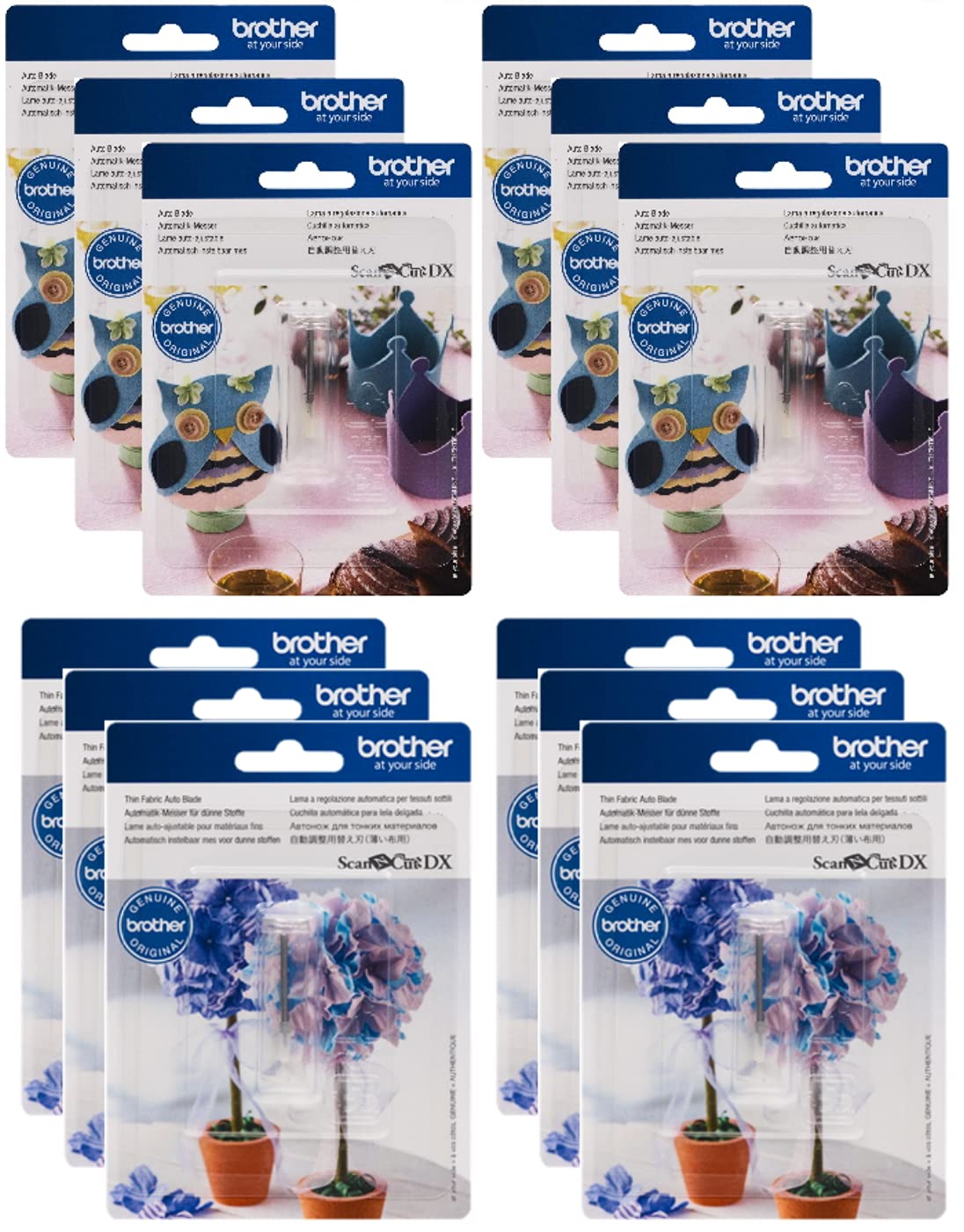
Brother ScanNCut DX CADXBLD1 [click to view…]
Material Range: 0.1mm to 3.0mm Works With: Paper, cardstock, vinyl, thin foam, stabilized fabric
The included standard blade handles most common crafting materials. It automatically adjusts depth based on thickness detection.
Vinyl Auto Blade (CADXBLDV1)
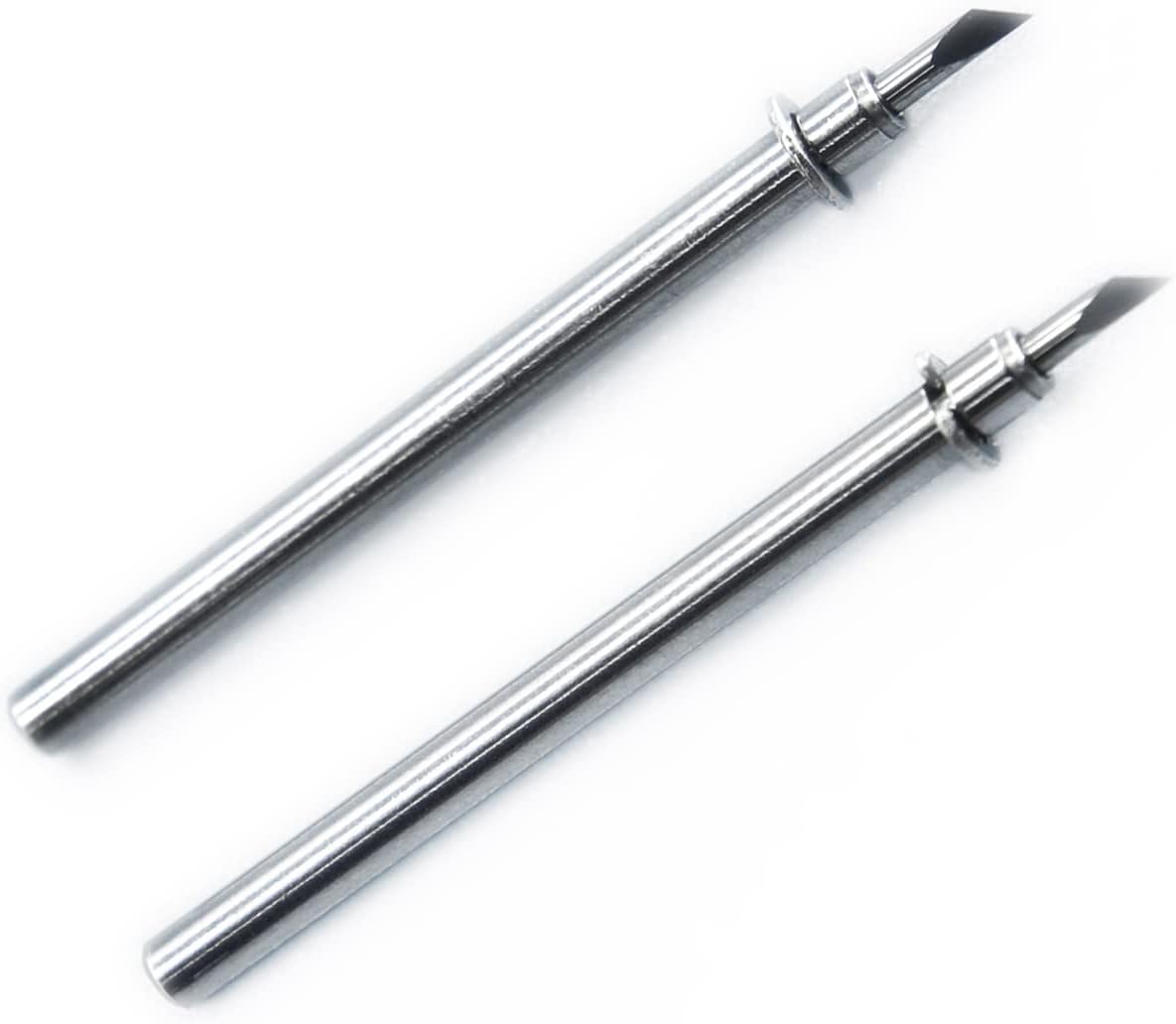
2 Pack Vinyl Auto Blade CADXBLDV1 [click to view…]
Price: Around $16 Essential For: Precise vinyl cutting and half-cuts
The standard blade often struggles with clean “kiss cuts” on adhesive vinyl (cutting the vinyl layer while leaving the backing intact). Users report inconsistent results requiring multiple test cuts and manual pressure adjustments.
The specialized Vinyl Auto Blade features a finer tip designed specifically for thin materials. For high-volume vinyl work, this blade is non-negotiable.
Thin Fabric Auto Blade (CADXBLDQ1)
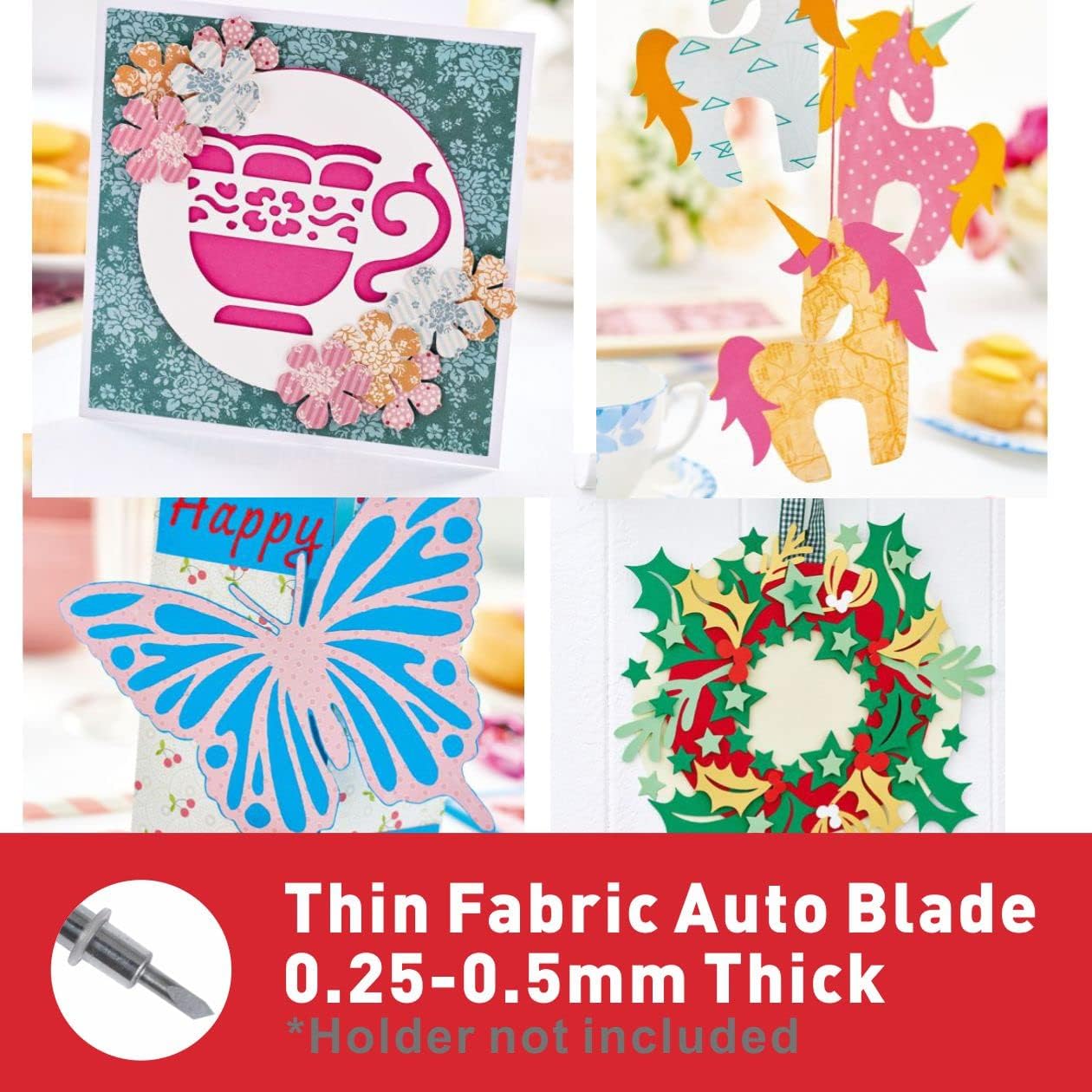
2 Pack Thin Fabric Auto Blade [click to view…]
Price: Around $32 Material Range: 0.25mm to 0.5mm Designed For: Non-stabilized quilting fabric
This specialized blade cuts fabric without fusible backing, making it essential for quilters working with raw-edge appliqué.
Rotary Auto Blade
Often Bundled With: SDX230Di and higher models Best For: Delicate fabrics, lace, semi-sheer materials
The rotary action provides superior cuts on materials where the standard drag blade might snag or fray edges. This tool significantly expands textile cutting capabilities.
The Critical Warning: Consumables Will Cost You
Here’s the uncomfortable truth about Brother ScanNCut DX ownership: proprietary consumables are expensive and, worse, poorly rated.
Cutting Mat Durability Crisis
The 12″ x 12″ Standard Tack Adhesive Mat (CADXMATSTD12) costs $34.99 and holds a 1.8 out of 5-star rating based on customer reviews.
Users consistently report:
- Adhesive loses tackiness quickly
- Mats fail much sooner than expected
- Material lifts during cutting, ruining precision
- Frequent replacement required
When material lifts from the mat during a cut, the machine loses tracking precision. This directly undermines the automation benefits of the Auto Blade technology and the machine’s speed.
For high-volume users, mat replacement becomes a significant recurring expense.
Blade Replacement Costs
- Standard Auto Blade (CADXBLD1): $18.99
- Vinyl Auto Blade (CADXBLDV1): $15.99
- Thin Fabric Auto Blade (CADXBLDQ1): $32
While blades last longer than mats, the proprietary pricing adds up over time.
User Workarounds
Experienced crafters combat high consumable costs through:
Mat Life Extension:
- Specific cleaning procedures using mild soap
- Temporary spray adhesive application
- Repositionable adhesive sheet overlays
Generic Blade Sourcing:
- Third-party replacement blades from Amazon
- Compatible but non-OEM options at lower prices
Mat Modification:
- Removing incorrect registration marks from cheaper mats
- Adding correct black vinyl marks to trick the scanner
- Using non-DX mats with DIY calibration
The prevalence of these workarounds indicates widespread user dissatisfaction with OEM consumable pricing and quality.
CanvasWorkspace Software: Offline Capability Wins
Brother’s CanvasWorkspace software provides three access methods:
- Web-based cloud application
- PC/Mac desktop software (offline capable)
- Mobile app
The downloadable desktop software is the standout feature. You can:
- Work completely offline
- Edit cut files locally
- Access free design templates
- Perform image tracing
- Store complex files without cloud dependency
This offline capability provides operational stability competitors lack. Cricut users frequently complain about software requiring constant internet connectivity even for “offline” features. Brother’s system ensures production continuity regardless of internet reliability.
All SDX models support wireless file transfer from CanvasWorkspace to the machine, combining the convenience of remote design preparation with the reliability of offline editing.
Embroidery Integration: The Textile Artist Advantage
Models SDX230Di and higher can read PES, PHC, and PHX embroidery file formats directly.
Why This Matters:
You can cut fabric appliqué pieces that match your embroidery designs without:
- External file conversion software
- Manual vectorization
- Complex calibration
Place your embroidery file on a USB drive, insert it into the ScanNCut, and the machine interprets the design data to cut corresponding fabric shapes.
The SDX330D takes this further with direct machine-to-machine connectivity through the “My Connection” feature, enabling seamless design transfer between compatible Brother sewing machines and the cutting machine.
For sewists already invested in the Brother ecosystem, this integration creates a highly efficient closed-loop workflow.
Amazon USA Availability Confirmed
SDX125E: Widely available on Amazon USA in multiple bundle configurations:
- Machine only
- Machine with extra blades
- Machine with fabric cutting accessories
- Machine with vinyl and cutting mats
SDX230Di: Available on Amazon USA, frequently sold as:
- Machine only
- Rotary Blade Bundle
- Thin Fabric Bundle
- Disney design expansion packs sold separately
SDX330D: Limited Amazon availability due to professional pricing tier. More commonly found through authorized specialty dealers.
All models ship with:
- One standard tack mat
- Auto blade and holder
- Touch pen and spatula
- Accessory pouch
- Getting started guide
Real-World Time Savings: The Math
Manual Cutting Example:
- Complex design with 20 intricate shapes
- 6-10 minutes per shape (precision cutting)
- Total time: 2-3 hours
- Hand fatigue, inconsistent edges, material waste
ScanNCut DX Automated Cutting:
- Same 20-shape design
- Machine setup: 5 minutes
- Cutting time: 8-12 minutes
- Total time: 15-20 minutes
- Consistent precision, minimal waste
Time Saved: 90-150 minutes per project
For weekly crafters, this compounds to 10-15 hours monthly. For small business owners producing custom products, the time savings directly translate to increased production capacity and revenue potential.
Who Should Buy Which Model?
Buy the SDX125E If You:
- Work primarily with paper, vinyl, and stabilized fabric
- Want maximum features at the best value
- Create general crafts, cards, stickers, and basic quilting
- Need standalone operation without constant software dependency
Buy the SDX230Di If You:
- Focus on fabric projects, appliqué, and quilting
- Want Disney-licensed content
- Need PES file compatibility for embroidery integration
- Require the Rotary Auto Blade for delicate textiles
Skip the SDX330D Unless You:
- Run a professional crafting business
- Already own Brother embroidery equipment
- Need maximum design content and scanning resolution
- Can justify the $1,199+ investment through commercial use
The Final Verdict: Is the Time Savings Worth the Investment?
Yes, with important caveats.
The Brother ScanNCut DX series delivers on its promise to transform manual cutting from hours to minutes. The built-in scanner provides a workflow advantage competitors cannot match. The Auto Blade technology genuinely eliminates tedious setup time.
However: The consumables problem is real.
Your long-term satisfaction depends on accepting that:
- You’ll replace cutting mats more frequently than expected at $35 each
- Specialized blades are essential for specific materials adding $16-32 per blade
- Budget for recurring consumable costs or invest time in mat maintenance
Practical Recommendations:
- Start with the SDX125E unless you have specific Disney or fabric integration needs
- Order at least two extra cutting mats immediately (budget $70-100)
- Purchase the Vinyl Auto Blade if you plan vinyl projects ($16)
- Research mat cleaning techniques before your first mat fails
- Join user communities for consumable-saving strategies
The machine will save you hundreds of hours over its lifetime. The consumables will cost you hundreds of dollars over the same period. Factor both into your purchasing decision.
For crafters who value their time at $15+ per hour, the math still works out favorably. The automation justifies the investment, but go in with clear eyes about the ongoing costs.
Bottom Line: The Brother ScanNCut DX SDX125E represents the best value for most crafters. The built-in scanner and offline capability provide genuine advantages over competitors. Just budget for the consumables reality from day one.
Dora Decora is a biophilic interior design specialist and passionate blogger. With a deep commitment to integrating nature into living spaces, Dora specializes in creating environments that foster human-nature connections through thoughtful design elements. Her approach emphasizes sustainable materials, natural lighting, and organic patterns that enhance wellbeing and reduce environmental impact.
This post (https://homechroma.com/best-brother-scan-and-cut-machine) was originally published by Dora Decora on Home Chroma. As an Amazon Associates partner, we are compensated for all qualifying purchases.